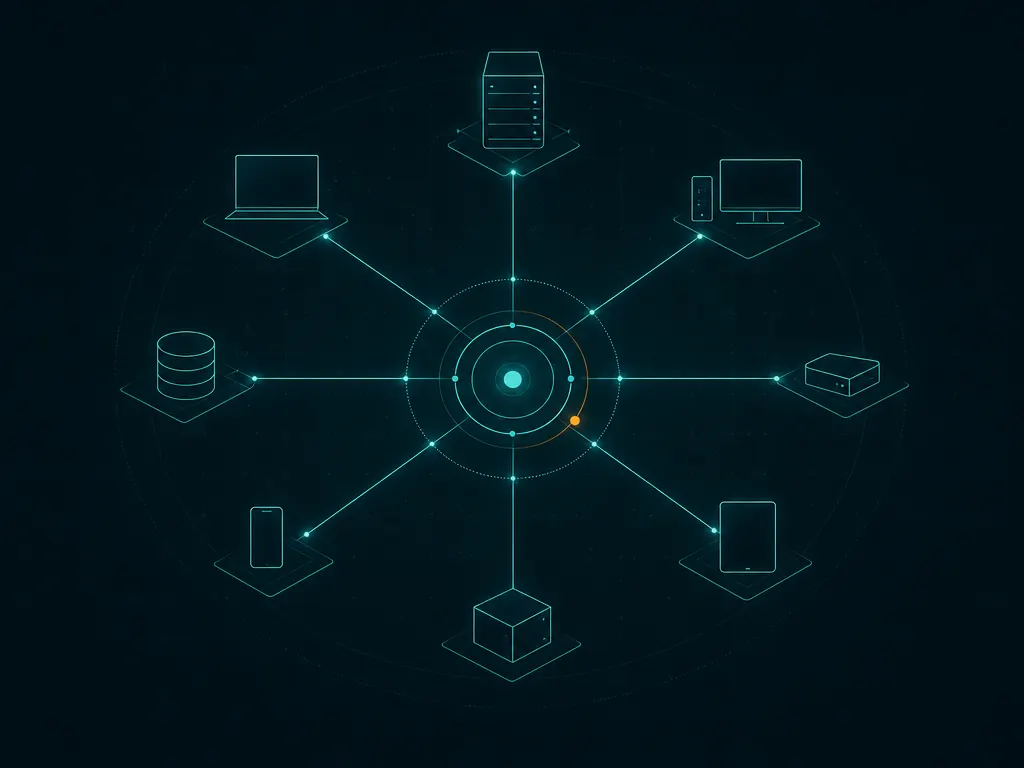
Picture a two-person MSP that just won a contract with a property management company: 14 small offices, 180 aging workstations, and a monthly fee that leaves very little room per seat. Under a per-device RMM, the tooling bill grows with every PC the client forgets to retire. Atera’s pitch is built for exactly this shop: pay per technician, manage the endpoints, and keep ticketing and invoicing in the same place. The trade-offs of that model show up clearly once you compare a dense client against a lean one: where per-technician pricing helps, and where it starts to pinch.
What Atera does
Atera is a cloud platform that combines RMM with PSA-style features. The agent runs on Windows, macOS and Linux, reports hardware and software inventory, and handles monitoring thresholds, patch management, script execution and software deployment. On the PSA side it provides ticketing, a customer portal, time tracking, SLA settings, contracts and invoicing, with integrations for common accounting tools. Remote sessions are handled through Atera’s own remote access and through integrations with third-party remote-control tools. More recently the vendor has been adding AI-assisted features for ticket summaries and script suggestions; treat these as helpers, not as a reason to buy.
Where it earns its keep
Pricing that ignores endpoint count. Atera prices per technician seat, and at the time of writing its MSP plans do not charge per managed endpoint. For shops whose clients have many cheap workstations, this is the whole point. Our pricing worked examples show the break-even against per-device models.
RMM and PSA in one login. An alert can become a ticket, the ticket collects time, and the time rolls into an invoice without a second system. For a small team, removing one integration is removing one thing that breaks.
Fast client onboarding. You create a customer, generate an agent package for that customer, and push it out. Discovery of other devices on the client’s network is available for devices you are authorized to manage. It is quick enough that a new client can be under monitoring on day one.
Reasonable security baseline. Atera supports two-factor authentication for technicians, and admin roles let you restrict what technicians can do. Enforce 2FA for everyone on day one, and review our RMM security guide for role design and audit habits.
Where it falls short — and who should skip it
Per-technician cost grows with your team, not your fleet. The same model that helps a two-person shop becomes less attractive once you add part-time techs, a dispatcher, or seasonal contractors who each need a seat. Some MSPs end up sharing logins to save money, which destroys accountability in the audit trail; do not do that.
Depth versus breadth. Atera covers a lot of ground, and some areas are shallower than specialist tools. Patch policies are workable for Windows fleets, but approval workflows and third-party application coverage are less granular than in dedicated patching products like Action1. Network monitoring is basic compared with Auvik.
PSA for simple billing, not complex contracts. Block hours, recurring agreements and invoicing are there, but MSPs with elaborate contract structures, procurement workflows or multi-level approvals may find the PSA side thin.
Plan tiers gate features. Some capabilities sit only in higher plans, so the per-technician price you compare should be the tier that actually includes what you need.
Skip Atera if you already run a mature PSA you are happy with and only need RMM, or if you are a larger team where technician seats would outnumber the savings from unlimited endpoints.
Who it suits
Atera fits one- to eight-technician MSPs serving small businesses with many endpoints and modest per-seat fees, and internal IT teams that want ticketing and endpoint management in one product without buying two. It is especially sensible when most endpoints are Windows workstations and the business values predictable tooling costs over maximum depth.
Licensing and cost
Atera prices per technician per month, with several plan tiers that add features as you move up; annual commitments usually lower the rate. The vendor has published prices on its site in the past, but figures and tier names change, so check the vendor’s current pricing page rather than relying on any number repeated elsewhere. A trial is available. When comparing, count every person who will need a login, including part-timers, and confirm whether add-ons such as extra remote access or network discovery are included in your tier.
How it compares
- NinjaOne vs Atera is the classic per-device versus per-technician decision.
- Syncro vs Atera compares two per-technician RMM plus PSA bundles head to head.
- If patching is your main pain point, read the Action1 review and our monthly patching routine.
- The wider field is in the RMM software category, scored per our methodology.
Getting it safely
Sign up for a trial on the vendor’s own site. Agent packages are generated per customer inside your Atera account; deploy them through your own channels and never from a link someone emails you claiming to be “your Atera agent”. Before mass rollout, check the digital signature on the package on a test machine. Our where to get page explains the checks step by step.
FAQ
Does Atera charge per device?
At the time of writing, its MSP plans are priced per technician rather than per managed endpoint. Plans and terms change, so confirm on the vendor’s current pricing page.
Is Atera’s PSA good enough to replace a separate PSA?
For small MSPs with straightforward contracts, often yes. Shops with complex agreements or deep accounting workflows may still prefer a dedicated PSA.
Can I produce patch reports for clients?
Yes, Atera includes reporting on patch status per customer. Many MSPs schedule a monthly report and pair it with a short written summary of exceptions.
What happens to cost when I hire?
Each new technician adds a seat. Model your growth plan before committing to an annual term.