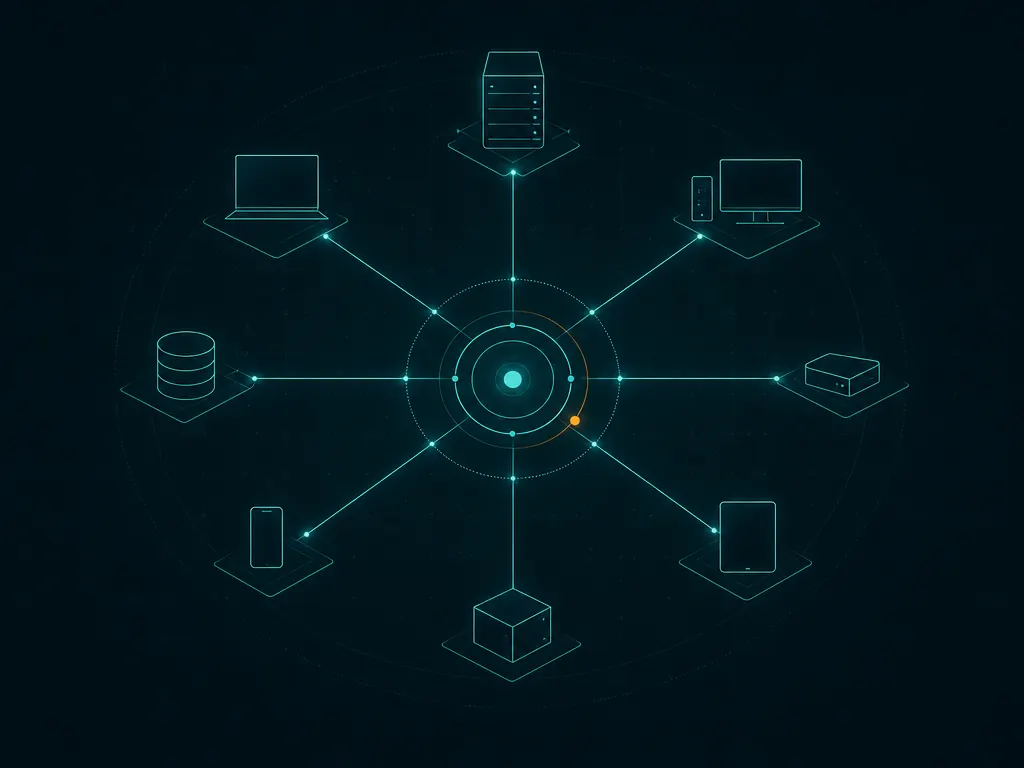
A lot of small MSPs do not have an RMM problem; they have a patching problem. The monitoring works well enough, but every month someone spends two days chasing machines that missed updates, and the client-facing report is a spreadsheet stitched together by hand. Action1 exists for that month-end scramble. It does one job, patching, from a cloud console, and it does not need a VPN or an on-premises update server to reach remote laptops. Picture running a full monthly patch cycle across several client organizations from that single console, with no site visits and no per-machine scripts.
What Action1 does
Action1 is a cloud-native patch management platform. A lightweight agent on each endpoint reports installed updates and software inventory to the Action1 cloud, and from there you define update rings, approval rules and maintenance windows. It covers operating system updates and a catalog of common third-party applications, and adds vulnerability visibility tied to missing updates, software deployment, basic remote access and scripting. Agents are available for Windows and macOS; check the vendor’s current documentation for platform coverage beyond that. For MSPs it supports multiple organizations in one account, so each client’s endpoints, policies and reports stay separate.
A peer-to-peer distribution feature lets endpoints on the same network share update content, which reduces internet traffic at client sites with slow links.
Where it earns its keep
Third-party patching out of the box. Browsers, PDF readers, runtimes and collaboration apps are where many real-world incidents start. Action1’s third-party catalog saves you from scripting updates for each one.
Update rings and approvals. You can send updates to a pilot group first, wait a few days, then approve for everyone. This is the structure our monthly patching routine recommends, and Action1 makes it easy to enforce.
Reports you can send to a client. Patch compliance and missing-update reports per organization can be scheduled. For MSPs who include patching in a managed services agreement, proof matters, and this is where Action1 is noticeably stronger than general-purpose RMMs that treat reporting as an afterthought.
Low onboarding friction. Generate the organization’s agent package, deploy it with GPO, Intune or your RMM, and endpoints appear within minutes. No on-premises server, no inbound firewall rules at the client.
Security posture of the platform. Action1 supports MFA, role-based access for technicians, and an audit trail of administrative actions. The vendor also publishes its compliance attestations; review them if clients ask about third-party risk.
Where it falls short — and who should skip it
It is not an RMM. There is no full monitoring and alerting stack of the kind you get in NinjaOne or Atera, and no PSA: no ticketing, time tracking or invoicing. Most MSPs run it alongside another platform, which means two agents and two consoles.
Two agents, two things to maintain. Running Action1 next to an RMM that also patches can cause conflicting policies. Pick one system to own patching and disable the other’s patch policies.
Third-party catalog limits. Common applications are covered, but line-of-business software specific to individual clients will still need custom packages or scripts.
Cost changes once you grow past the no-cost tier. The economics are excellent for a small fleet and become a normal per-endpoint subscription after that, so model the cost at your expected size, not your current one.
Skip Action1 if you want a single agent that does monitoring, remote support, patching and ticketing, or if most endpoints you manage are Linux servers.
Who it suits
Action1 suits small MSPs whose existing RMM patches poorly, internal IT teams managing a few hundred remote Windows laptops, and anyone who needs a clean monthly patch compliance report without building one. It is also a sensible first tool for a solo consultant with a few small clients who wants patching sorted before committing to a full RMM. One pattern we like: keep the existing RMM for monitoring and remote support, move patch ownership to Action1, and use its per-organization report as the attachment to each client’s monthly service summary. The switching cost is low, because removing Action1 later means uninstalling one agent rather than rebuilding a whole platform.
Licensing and cost
Action1 is a commercial subscription priced per endpoint. At the time of writing it offers a no-cost tier for a limited number of endpoints (check the vendor’s current terms for the exact cap and any conditions, since both can change). Beyond that tier, pricing is per endpoint, with quotes for larger fleets. A trial of the paid features is available.
How it compares
- Action1 vs NinjaOne looks at dedicated patching against patching inside a full RMM.
- If you need RMM and PSA with basic patching included, see Atera or Syncro.
- The Patch & Endpoint Management category lists the alternatives, scored per our methodology.
Getting it safely
Create your account on the vendor’s own site. The agent package is generated per organization inside your Action1 console; deploy it through tools you control, confirm the digital signature on a test endpoint first, and ignore any email that asks a client user to run an “Action1 update”. Our where to get page covers signature and hash checks.
FAQ
Is Action1 really no-cost for small fleets?
At the time of writing, the vendor offers a no-cost tier for a limited number of endpoints. Check the vendor’s current terms for the exact cap and any conditions before relying on it for client work.
Does Action1 replace my RMM?
Usually not. It replaces the patching part. Monitoring, alerting and ticketing still need another platform.
Can it patch third-party apps?
Yes, for a catalog of common applications. Niche line-of-business software may still need custom packages.
Does it need a VPN to reach remote laptops?
No. Agents communicate with the Action1 cloud over the internet, so remote and hybrid endpoints are patched without a VPN.